Ask AI on mobile now follows the same per-user access you set on web. Grant a teammate access once, and they can use Ask AI from the platform mobile app, it's no longer limited to account admins.
The Challenge
On mobile, Ask AI was limited to
account admins only
, even when you'd already enabled it for Account users on web. Your team could use AI in the browser but hit a wall in the app, right where they do most of their on-the-go work.Solution
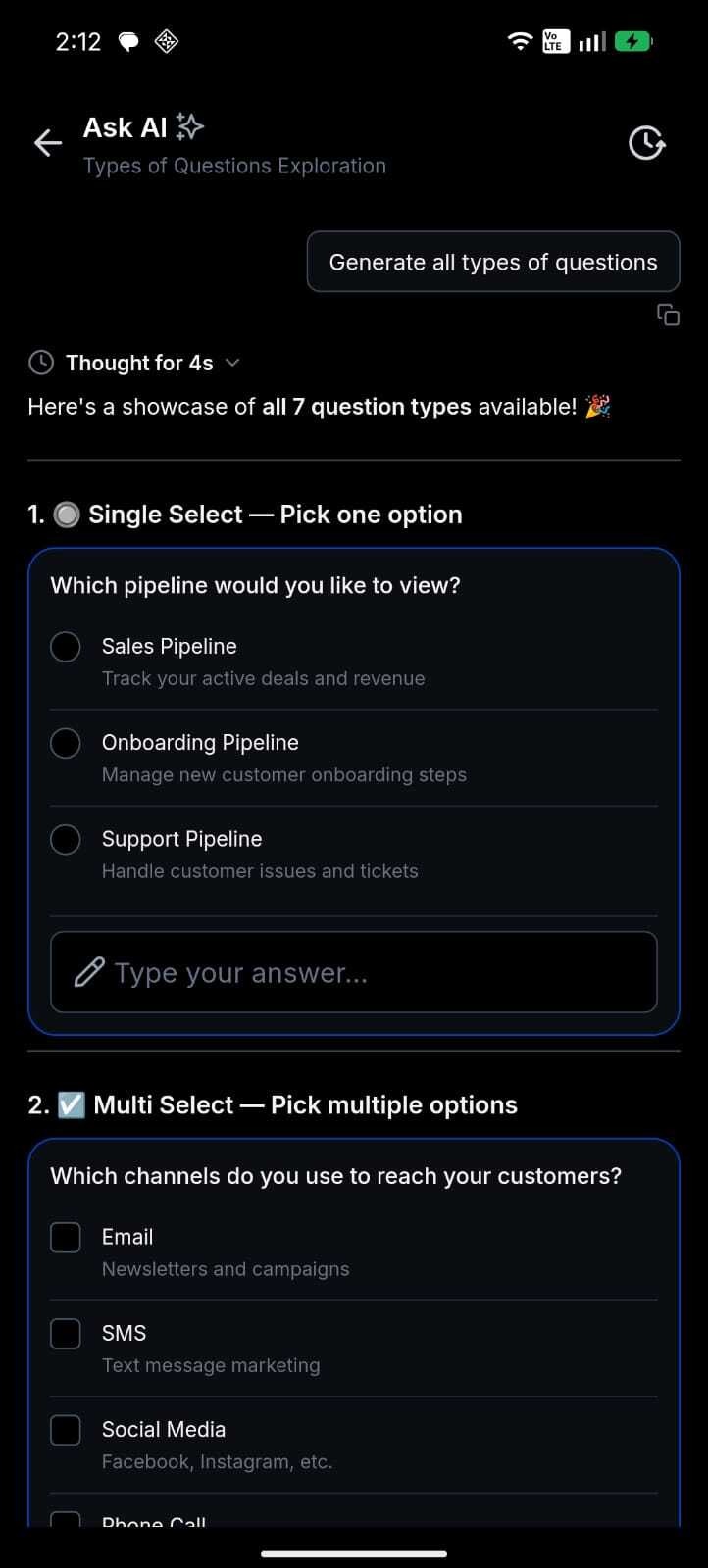
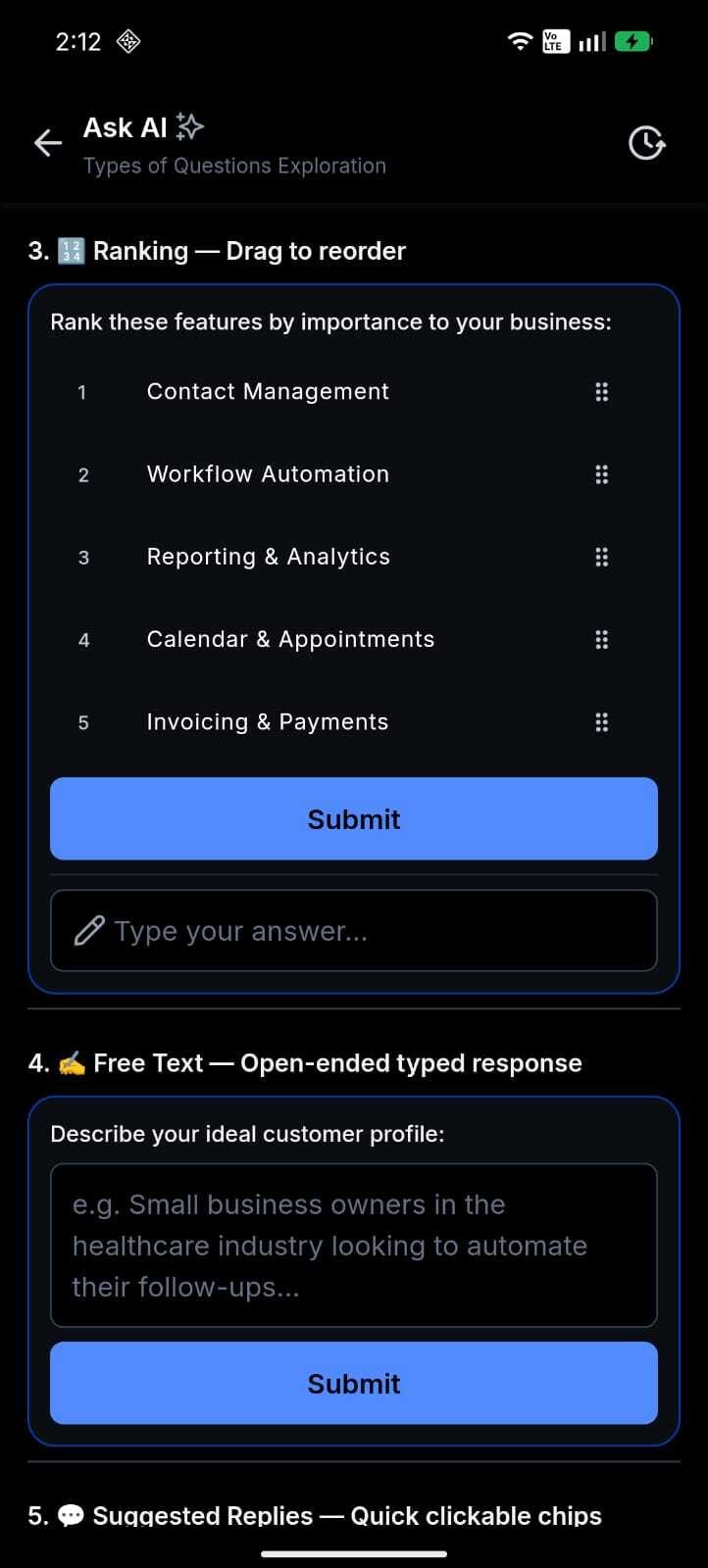
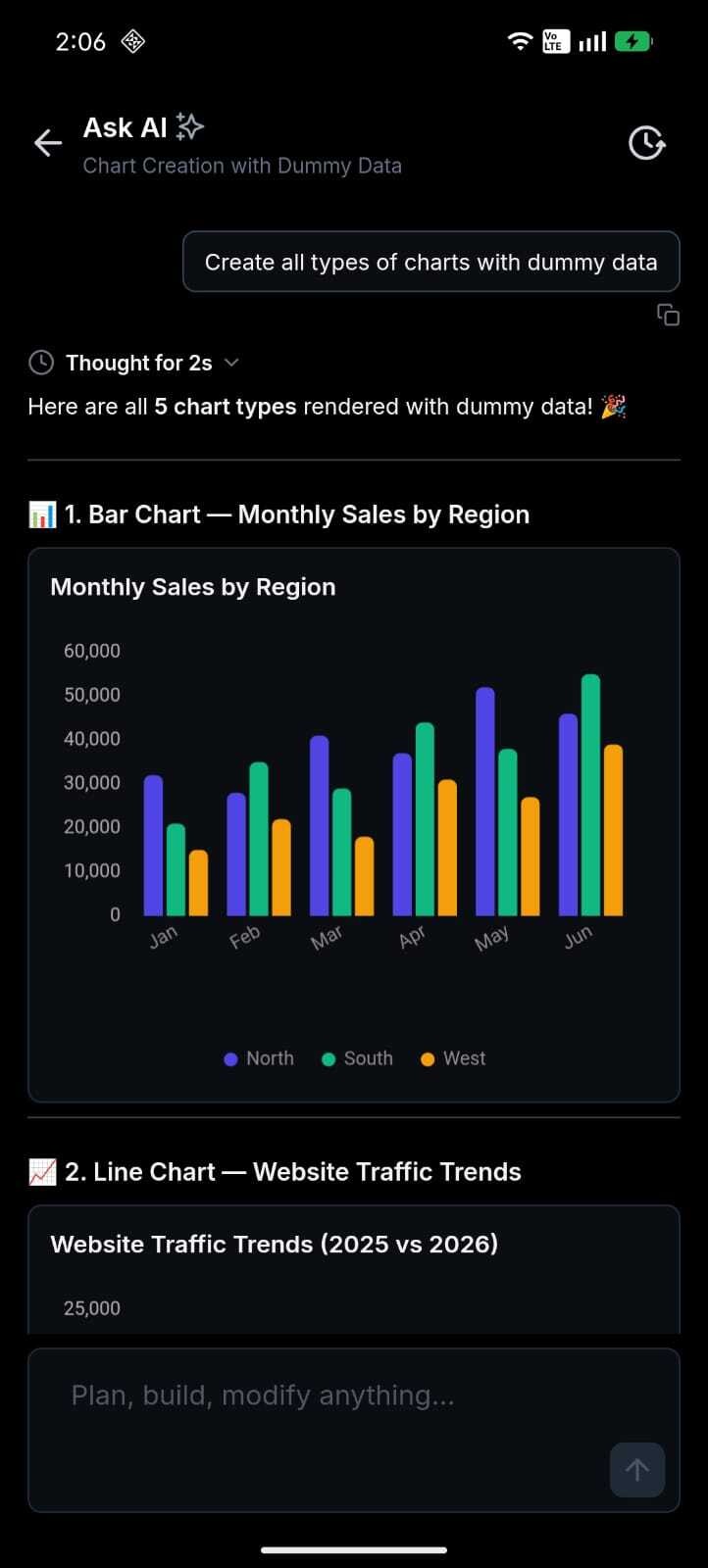
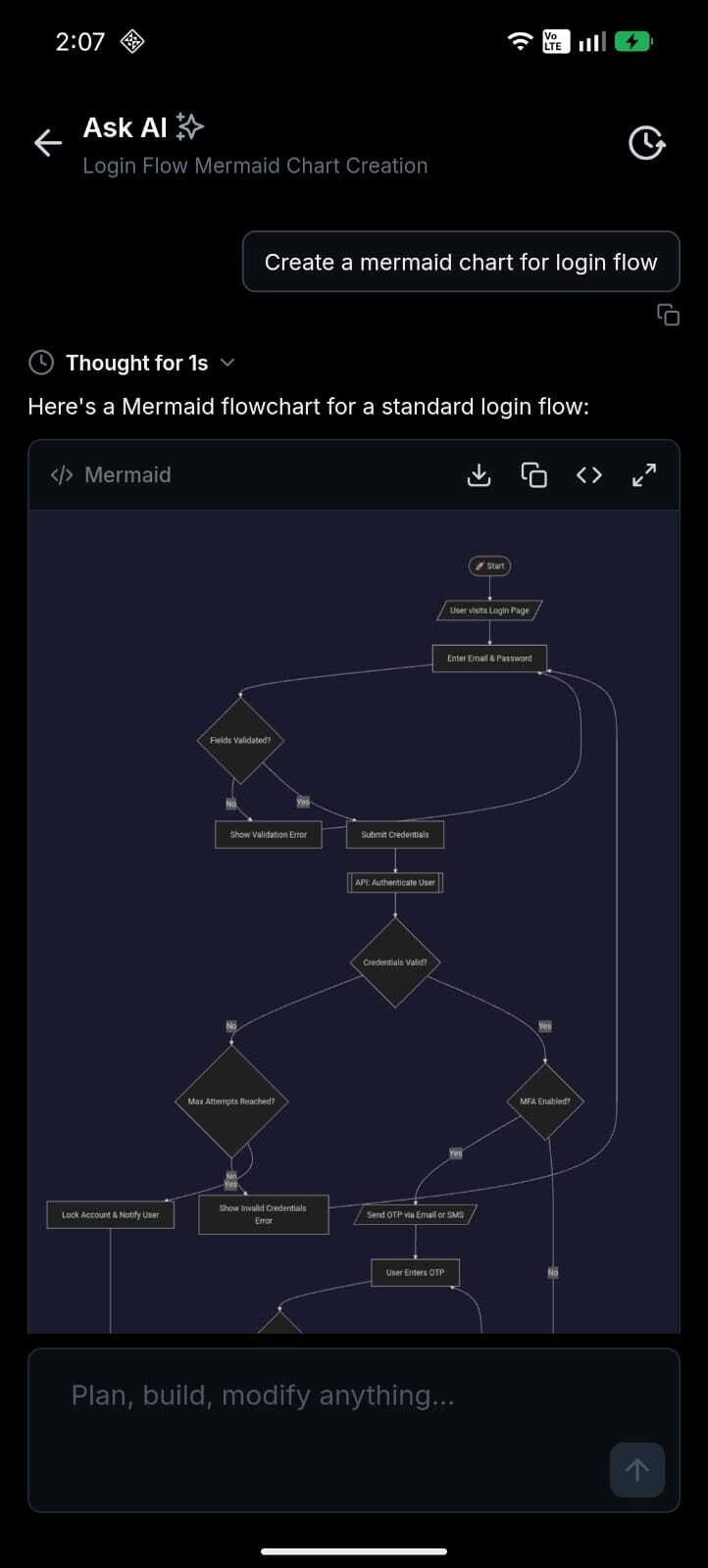
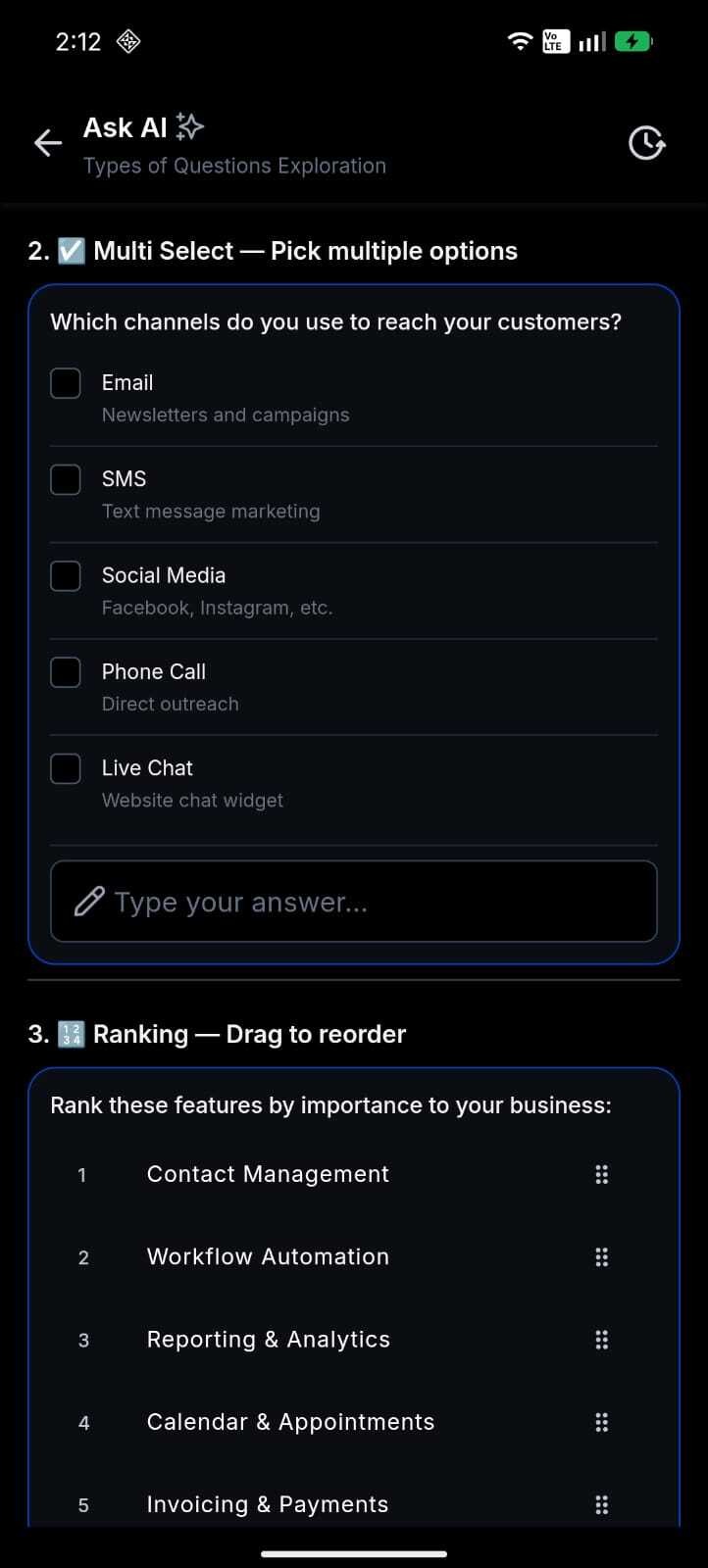
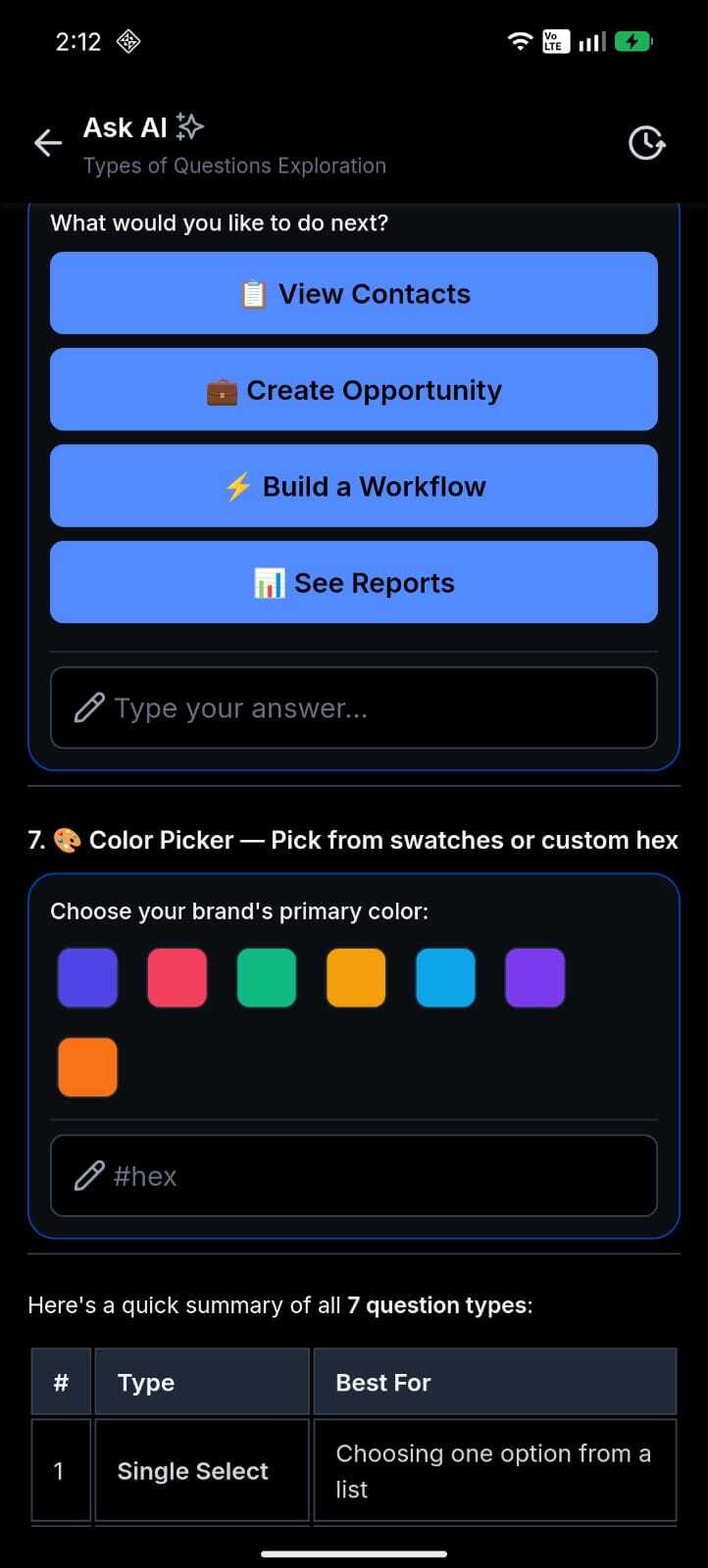
Mobile now respects the same per-user access you already grant on web. Teammates with access see Ask AI in the app and chat normally; everyone else won't see the entry point.
Account users also get a
non-blocking banner
when some Account teammates still need access, nudging you to finish setup on web. And if a usage limit or policy blocks a message, you'll see a clear in-chat explanation
instead of a vague "failed to send" toast.How This Supercharges Your Business
- Put AI where your team works:Account users can now use Ask AI from their phones — in the field, with clients, on the go.
- Stay in control:Access is per user and granted by you, not a blanket admin-only lock.
- Roll out without leaving chat:Account admins see who still needs access right inside the app.
- Fewer support headaches:Limit and access issues show specific guidance instead of a generic error.
How to Get Started
- Grant access on web:Enable Ask AI for the account users who should have it.
- Open the mobile app:Sign in as a user with Ask AI access (account admin, account staff, or account user).
- Start chatting:TapAsk AIfrom the FAB, home screen, or dashboard and send your first message.
- Finish team rollout (account only):If some users still lack access, you'll see a banner above the composer, tap through to configure access on web. The composer stays enabled for users who already have access.
What's Next?
- Paid-feature consent will return on mobile when metered Ask AI billing goes live, aligned with web.
- Continued parity improvements between the mobile and web Ask AI experiences.
Roll-out & Availability
|
Release Date
| June 18, 2026 ||
Available Version
| 4.18.1
(build 833) ||
Status
| Public ||
CRM
| ✅ ||
WL App
| ✅ ||
Platforms
| iOS & Android |Good to Know
- Who can see Ask AI:Only users you've granted access. Everyone else won't see the entry point; direct links show "not available."
- Account setup banner:Shown only to account-type users when some teammates still need access. It's advisory, it never blocks the composer for users who already have access.
- Account users without access:They won't see Ask AI until an account admin grants it on web.
- Usage limits:If a account hits its monthly limit or access is blocked, you'll see a specific in-chat banner and the composer is disabled until it's resolved.
- Offline:If access can't be verified, you'll see a retry screen instead of a broken chat.
- Paid consent:Not collected on mobile during the current free period (Summer of AI), matching web.
We Want to Hear From You!
Was this article helpful?
That’s Great!
Thank you for your feedback
Sorry! We couldn't be helpful
Thank you for your feedback
Feedback sent
We appreciate your effort and will try to fix the article